
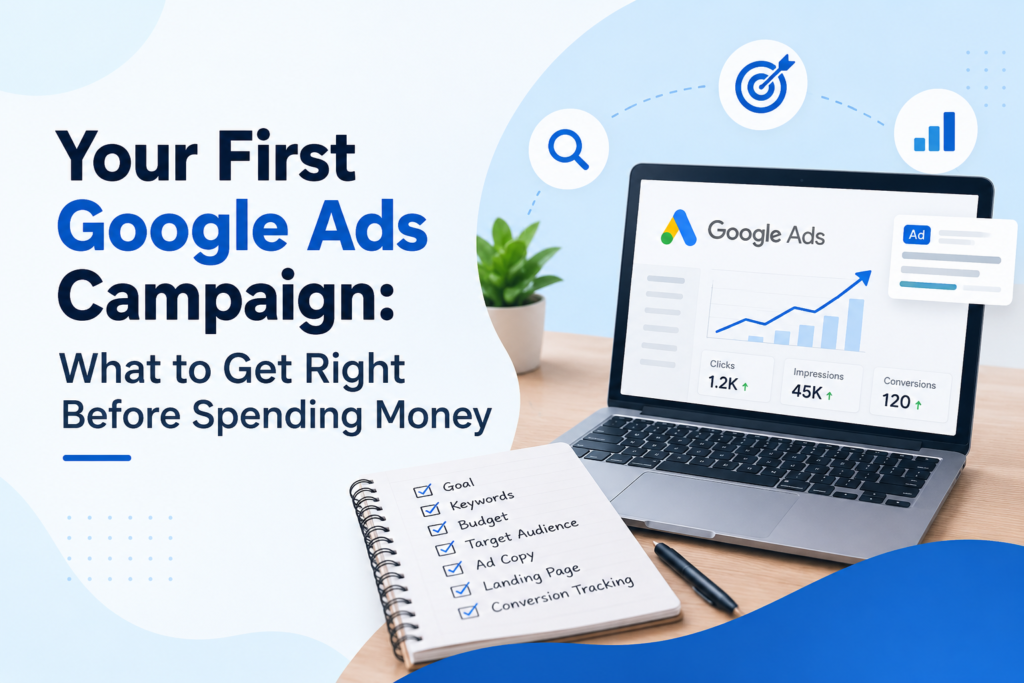
Your First Google Ads Campaign: What to Get Right Before Spending Money
Imagine launching your first Google Ads campaign. Your advertisements start appearing in search results, and people begin clicking them. However, after spending money for several days, you notice that very few visitors are becoming customers.
What went wrong?
Your keywords might be attracting the wrong audience, your advertisements may not be convincing enough, or your landing page might not encourage visitors to take action.
This is why preparing your first Google Ads campaign is just as important as launching it.
Google Ads helps businesses reach people searching for relevant products and services. However, getting clicks alone does not guarantee results. Before spending money, you need a clear objective, relevant keywords, a realistic budget, and a strategy for measuring success.
Here are seven essential things to get right before launching your first campaign.
1. Define Your Campaign Goal
Before creating an advertisement, ask yourself: What do I want this campaign to achieve?
Your objective determines how you approach your campaign and measure its performance.
Common goals include:
* Generate leads:Encourage customers to submit enquiries.
* Increase sales:Drive purchases through your website.
* Generate calls:Encourage potential customers to contact your business.
* Increase website traffic:Attract relevant visitors to important pages.
* Build brand awareness:Introduce your business to a wider audience.
For example, if you run a digital marketing agency, attracting potential clients is more valuable than simply increasing website visits.
Before launching:Choose one primary objective and identify the action that will count as a successful result.
2. Conduct Keyword Research
Keywords help determine which searches may trigger your advertisements. Choosing the right ones helps you reach people whose needs match your products or services.
For example, a website development business might target:
* Website development services
* Hire a website developer
* Website development company near me
* Affordable website development for small businesses
These searches indicate different levels of interest. Someone searching for information may not be ready to purchase, while someone looking to hire a developer may have a stronger intention to find a service provider.
How to Choose the Right Keywords
Use Google’s Keyword Planner to discover relevant search terms and explore search-volume and bid estimates.
When selecting keywords, consider:
* Relevance:Does the keyword match your service?
* Search intent:What is the user trying to achieve?
* Search volume:Are people searching for the term?
* Cost:Is the estimated advertising cost suitable for your budget?
* Competition:How competitive is the keyword?
Also, identify negative keywords to exclude irrelevant searches. For example, a paid website development service might exclude searches related to free courses or jobs.
Before launching: Prepare a focused list of relevant keywords and identify searches you want to exclude.
3. Set a Realistic Google Ads Budget
One of the biggest concerns for beginners is deciding how much to spend on Google Ads.
There is no universal budget. Costs depend on your industry, location, competition, keywords, and campaign settings.
Consider this hypothetical example:
| Metric | Example |
| Daily budget | ₹500 |
| Estimated monthly spend over 30 days | ₹15,000 |
| Assumed average cost per click | ₹25 |
| Estimated clicks | 600 |
These figures are illustrative, not actual market averages or guaranteed results.
Remember, 600 clicks do not automatically mean 600 leads or sales.Your results depend on how many visitors take the desired action.
Before setting your budget:
* Choose an amount you can afford to test.
* Research estimated keyword costs.
* Consider the value of a potential customer.
* Allow sufficient time to gather meaningful data.
* Avoid increasing spending simply because your ads receive clicks.
Before launching:Establish a daily budget and decide how much you are comfortable spending during the initial testing period.
4. Target the Right Audience and Location
Your advertisements should reach people who are likely to become customers.
For example, a local interior design company in Kochi may benefit from targeting customers within its service area rather than advertising across the entire country.
However, an online store serving customers throughout India would need a broader approach.
Consider these factors when setting up targeting:
Location:Choose areas where you can serve customers.
Language:Select languages appropriate for your intended audience.
Audience: Use relevant audience options where supported by your campaign type.
Ad schedule:Consider when your potential customers are most likely to respond and when your business can handle enquiries.
Also, review Google’s location targeting settings carefully, as targeting people present in a location can differ from targeting people interested in that location.
Before launching:Check your location, language, and other relevant targeting settings to ensure they match your business goals.
5. Write Relevant and Compelling Advertisements
Your advertisement should clearly communicate what you offer and why a potential customer should click.
Avoid vague messages that do not explain your service.
For example, a website development business could use the following:
Headlines:
* Website Development for Small Businesses
* Build a Website for Your Business
* Discuss Your Website Project
Description:
Need a professional website for your business? Explore website development solutions tailored to your goals. Contact us to discuss your project.
Call to action: Contact Us
A relevant advertisement connects the user’s search with your offer and provides a clear next step.
To improve your ad copy:
* Include relevant keywords naturally.
* Highlight genuine benefits.
* Use a clear call to action.
* Avoid unsupported claims and guarantees.
* Make your message specific to your audience.
Google Ads supports responsive search ads, which combine different headlines and descriptions to create advertisements suited to different searches.
Before launching: Review your advertisement from the customer’s perspective. Make sure the offer is clear and relevant.
6. Prepare Your Landing Page
A landing page is the webpage visitors reach after clicking your advertisement. If the page is confusing, irrelevant, or difficult to use, potential customers may leave without taking action.
For example, someone clicking an advertisement for SEO services should arrive at a relevant SEO page rather than an unrelated page.
A good landing page should include:
* Relevant content: Match the advertisement and search intent.
* Clear messaging: Explain your offer and its benefits.
* Visible call to action:Make the next step easy to find.
* Mobile-friendly design: Ensure the page works well on smartphones.
* Fast loading:Avoid unnecessary elements that slow the page.
* Trust signals:Include genuine testimonials, contact details, or relevant credentials.
Before launching, test your enquiry forms, buttons, and checkout process if applicable. Make sure visitors can complete the intended action without difficulty.
Before launching:Check your landing page on desktop and mobile devices and verify that every important function works correctly.
7. Set Up Conversion Tracking
Clicks and impressions show whether people interact with your advertisements, but they do not reveal the full business impact of your campaign.
Conversion tracking helps measure valuable actions such as purchases, enquiry submissions, bookings, and qualifying phone calls.
Consider this example:
A campaign receives 300 clicks and generates 12 enquiries.
Conversion rate = (Conversions ÷ Total clicks) × 100
(12 ÷ 300) × 100 = 4%
If the campaign spends ₹7,500 to generate those 12 enquiries, the average cost per enquiry is:
₹7,500 ÷ 12 = ₹625 per enquiry
Whether this is a good result depends on the quality of the enquiries and how many become paying customers.
Depending on your website and campaign, you can configure conversion tracking using Google Ads, the Google tag, Google Tag Manager, or an appropriate Google Analytics integration.
Before launching:Identify your important conversion actions, configure tracking, and test whether conversions are recorded correctly.
Your Google Ads Pre-Launch Checklist
Before activating your campaign, review the following:
| Checklist Item | What to Verify |
| Campaign objective | Your goal is clear and measurable. |
| Keyword research | Your keywords are relevant to your services. |
| Negative keywords | Irrelevant searches are excluded where appropriate. |
| Budget | Your spending limits are realistic. |
| Targeting | Your campaign reaches the intended audience. |
| Ad copy | Your advertisement communicates a clear offer. |
| Landing page | Your page is relevant and mobile-friendly. |
| Conversion tracking | Important actions can be measured. |
| Campaign settings | Bidding, networks, and other settings are reviewed. |
Completing this checklist will not guarantee success, but it can help you identify avoidable problems before they consume your advertising budget.
What Should You Do After Launching?
Launching your first Google Ads campaign is only the beginning. Regular monitoring and optimization help you understand what works and where improvements are needed.
Pay attention to these important metrics:
* Impressions:How often your advertisements appear.
* Click-through rate (CTR):The proportion of impressions that generate clicks.
* Average cost per click (CPC): The average amount paid per click.
* Conversions: The number of measured actions that matter to your business.
* Cost per conversion: The average advertising cost for each conversion.
Review your search terms to identify irrelevant traffic. If your advertisements receive clicks but generate few conversions, investigate your keywords, ad copy, landing page, and tracking setup before increasing your budget.
If your campaign generates conversions, evaluate their quality and business value before spending more.
The objective is not simply to spend more money. It is to understand what works and improve your campaign accordingly.
Final Thoughts
Your first Google Ads campaign does not need to be complicated, but it does need a clear plan.
Before spending money, define your objective, research relevant keywords, establish a realistic budget, target the right audience, write compelling advertisements, prepare your landing page, and verify your conversion tracking.
These steps help you make informed decisions and avoid common mistakes that can waste your advertising budget.
Remember, Google Ads is not just about paying to appear in search results. It is about connecting your business with relevant potential customers and encouraging them to take meaningful action.
Start with a focused campaign, monitor the results, and make improvements based on data.
A well-prepared campaign gives you a stronger starting point and a better opportunity to make every advertising rupee count.